Best Content Creator Ergonomic Chairs: Data-Backed Comparison
By Maya Chen • 2nd Jun
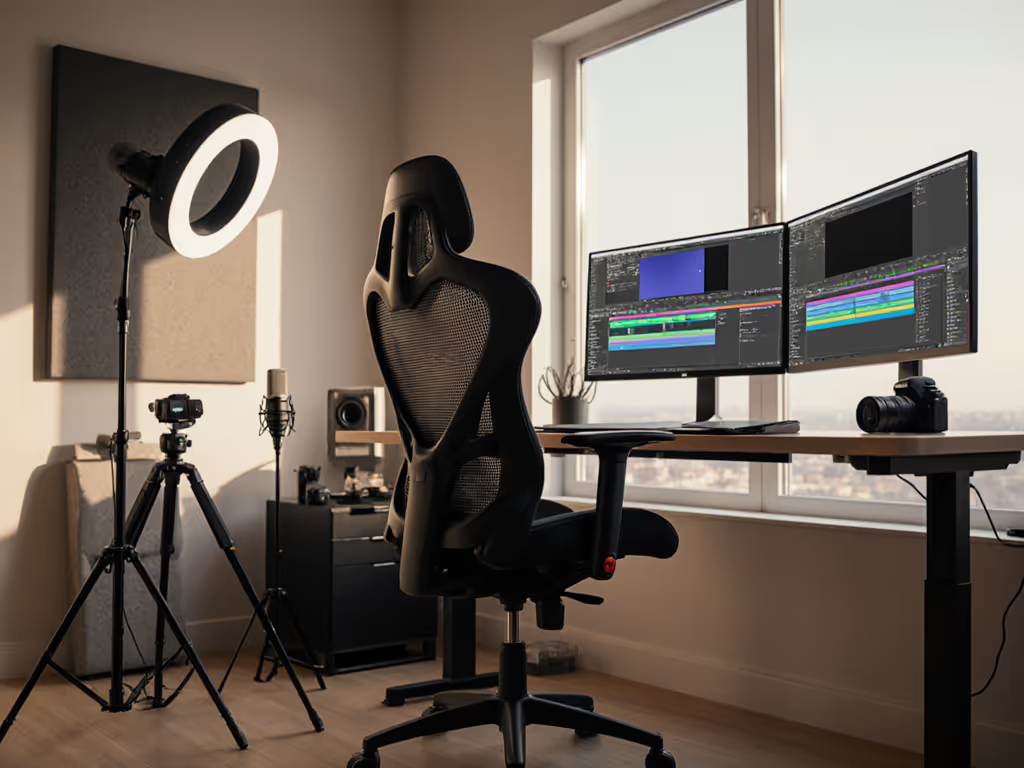
A content creator ergonomic chair is not just an upgraded office seat; it is the core of your streaming setup seating solutions, where chair mechanics, desk geometry, and on-camera posture either multiply your focus, or drain it.
As a human-factors analyst, I look at chairs the same way you look at analytics dashboards: what can we measure, and what changes the output of your day? For creators, that output is videos shipped, streams completed, edits finished, without your back, neck, or shoulders becoming the limiting factor.
Fit before brand. Measure the chair, then measure the change in your day.
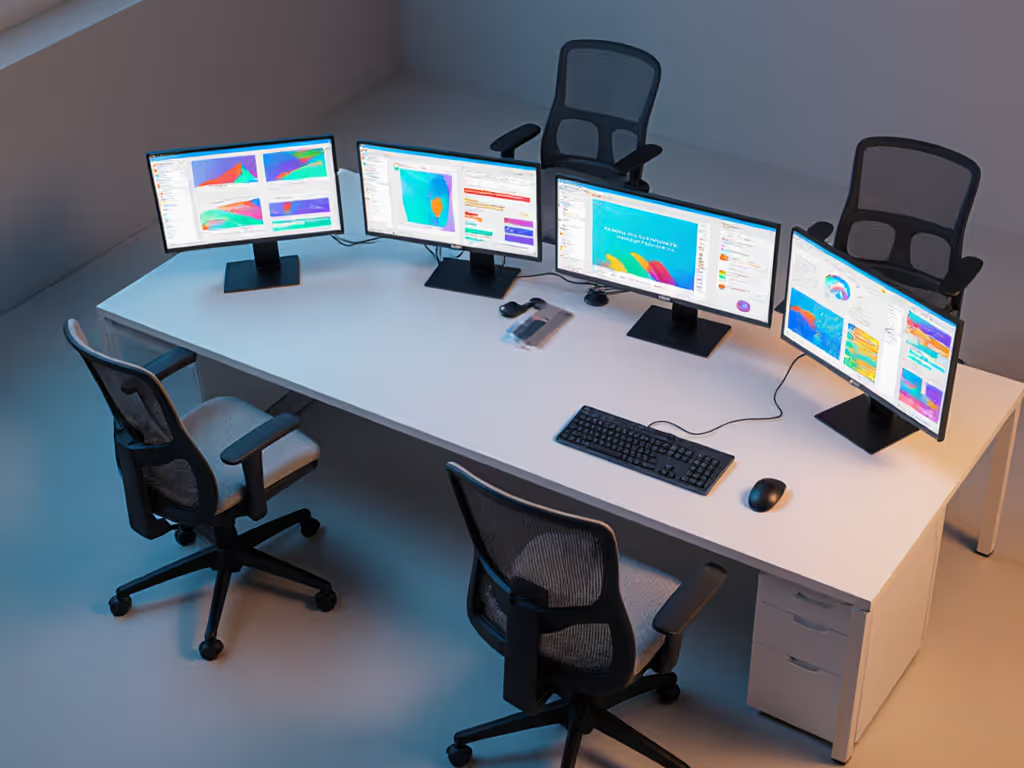
FAQ 1: Why do content creators need different chair criteria than typical office workers?
Creators do long, continuous sessions under higher cognitive load than most standard office workflows, often with fewer natural breaks. You are also constrained by:
- On-camera framing: You cannot slouch freely without leaving the shot or breaking eye line.
- Multi-device reach: Keyboard, mouse, stream deck, mixer, and tablet expand your reach zone versus a simple keyboard, mouse, monitor layout.
- Lighting and acoustics constraints: You may avoid moving because of mic positioning or shadows, further reducing spontaneous posture changes.
From a metrics standpoint, that means a suitable video content creation seating solution must:
- Support stable, upright posture for talk-to-camera segments.
- Allow smooth recline and micro-movement for editing, scripting, and admin phases.
- Keep your arms and wrists neutral while handling multiple input devices.
Traditional "good enough" office chairs are often static, with limited recline tuning and minimal arm adjustments. For creators who sit 6-10 hours on recording or editing days, that mismatch shows up as shoulder impingement, lower back fatigue, and forearm strain.
FAQ 2: What defines a good content creator ergonomic chair?
When I benchmark a content creator ergonomic chair, I score it across six dimensions: fit range, dynamic movement, arm interface, pressure distribution, thermal comfort, and stability/noise. Below is how that translates into practical selection criteria, backed by baseline ergonomics principles.
1. Fit range (body dimensions it can serve)
Minimum requirement for creators who sit daily:
- Seat height: Should adjust so your knees are roughly at 90°, thighs close to horizontal, and feet flat on floor or footrest.
- Seat depth: With your back against the backrest, you want 2-3 fingers of space between the seat front and the back of your calves to avoid pressure.
- Backrest height / lumbar location: Built-in lumbar support should line up with your natural lower back curve, not your mid-back or hips.
If you are under 5'4" or over 6'2", prioritize models with seat depth adjustment and a wide seat-height range; those two parameters are the fastest way to avoid "this doesn’t fit my legs" issues.
2. Dynamic movement (tilt and recline behavior)
Chairs that sync backrest and seat movement (often called synchronous tilt) better support micro-movement than simple rockers.
Look for:
- Back-synced tilt: Backrest reclines more than the seat, keeping your feet grounded and pelvis supported as you lean back.
- Adjustable tilt tension: Should be tunable so you can recline without either fighting the spring or falling backward.
- Multiple lock points or at least one "open" mode: Lock for on-camera posture; free mode for editing and ideation.
In my own two-week rotation tests with analysts, the chairs with the smoothest, back-synced tilt consistently cut micro-fidgets and prolonged uninterrupted work streaks. That is the same mechanism you want on long editing marathons.
3. Arm interface (for keyboard, mouse, console, stream deck)
Armrests are the most under-measured content creator chair features and a common source of pain: For a detailed comparison of adjustment types, see our 4D vs 3D armrest guide.
- Height: Should meet your elbows when shoulders are relaxed, avoiding hunching or shrugging.
- Width and inward slide: Need enough travel to let you keep elbows roughly under shoulders, not flaring out.
- Front-back slide and pivot: Help align support under your forearms whether you are typing, mousing, or using a controller.
Poor Twitch streamer chair ergonomics often show up as elevated shoulders on camera, or forearms floating with no support. Both increase shoulder and neck load over hours.
4. Pressure distribution (seat and back comfort)
For long editing days:
- A waterfall front edge reduces pressure under the thighs, supporting circulation.
- Medium-firm foam or supportive mesh is better than plush, collapsing cushions that bottom out and create hotspots over time.
If you feel your sit-bones or tailbone strongly within 30-60 minutes, the seat is either too firm, too thin, or the wrong shape for you.
5. Thermal comfort (heat and sweat management)
Under studio lights or in warm rooms, breathable materials matter: If you want the materials science behind airflow, read our mesh temperature control deep dive.
- Mesh backs allow airflow and reduce heat buildup.
- Mesh or perforated seat pans help if you run warm or sit for very long blocks.
- Dense, non-breathable leatherette can get hot and sticky during long streams.
6. Stability and noise
On stream, the last thing you want is audible creaking.
- Check that armrests, backrest, and base feel solid with minimal side-to-side play.
- Quiet casters and tilt mechanisms reduce unwanted noise picked up by sensitive mics.
FAQ 3: How should Twitch streamer chair ergonomics differ from YouTuber workstation design?
Your workflow dictates your ergonomic priorities. Here is a high-level comparison of seating needs.
| Role / Mode | Primary Posture | Chair Priorities | Setup Notes |
|---|---|---|---|
| Live Twitch streamer | Upright, forward, relatively fixed in frame | Stable upright support, precise armrest height/width, quiet mechanics | Primary monitor directly in front, minimal reach to mic, stream deck, and chat screen. |
| YouTube editor / long-form creator | More reclined, varied positions across hours of editing | Smooth recline, good lumbar in multiple angles, seat comfort and breathability | Multiple monitors at similar height and arm's length to reduce neck strain. |
| Hybrid (record + edit same chair) | Alternates between the two states in blocks | Wide range of tilt tension, easy tilt lock/unlock, easily repeatable height and arm settings | Mark preferred positions (e.g., tape at cylinder or written values) for quick switches between "on-camera" and "edit" modes. |
For Twitch streamer chair ergonomics, I weight arm geometry and noise slightly higher: your arms are constantly active while the camera and mic are live, and squeaks are more costly on stream.
For YouTuber workstation design, I weight dynamic recline and pressure distribution higher; hours of timeline scrubbing and color grading will expose any weaknesses in seat foam or tilt quality.
FAQ 4: How do I measure myself to match a chair - without trying it first?
Because many creators buy online and cannot test chairs, you need a simple measurement protocol to de-risk the choice.
Step 1: Measure your key body dimensions
Grab a tape measure and a wall or doorframe.
- Popliteal height (floor to back of knee): Sit on a firm surface, knees at about 90°, feet flat. Measure from floor to crease behind knee. Your ideal chair seat height range should straddle this number so your thighs are roughly horizontal and feet rest solidly or on a footrest.
- Thigh depth (back of hip to back of calf): Still seated, measure from your lower back to the back of your calf. Subtract 5-7 cm (2-3 in) for clearance; that target is your approximate seat depth.
- Hip width: Measure across the widest part of your hips while seated. Add 2-3 cm (1 in) per side as a minimum internal seat width.
- Elbow height (sitting): With shoulders relaxed and elbows at 90°, measure from seat surface to underside of elbow. That is roughly where properly adjusted armrests should land.
Step 2: Translate to chair spec sheets
When comparing chairs, check whether:
- The seat height range covers your popliteal height ± about 2-3 cm.
- The seat depth (or its adjustable range) matches your thigh depth target.
- The armrest height range from seat includes your elbow height.
If any of those are out of range, you are in compromise territory before you even sit down.
FAQ 5: How do I integrate my chair with my desk and gear for a full ergonomic setup?
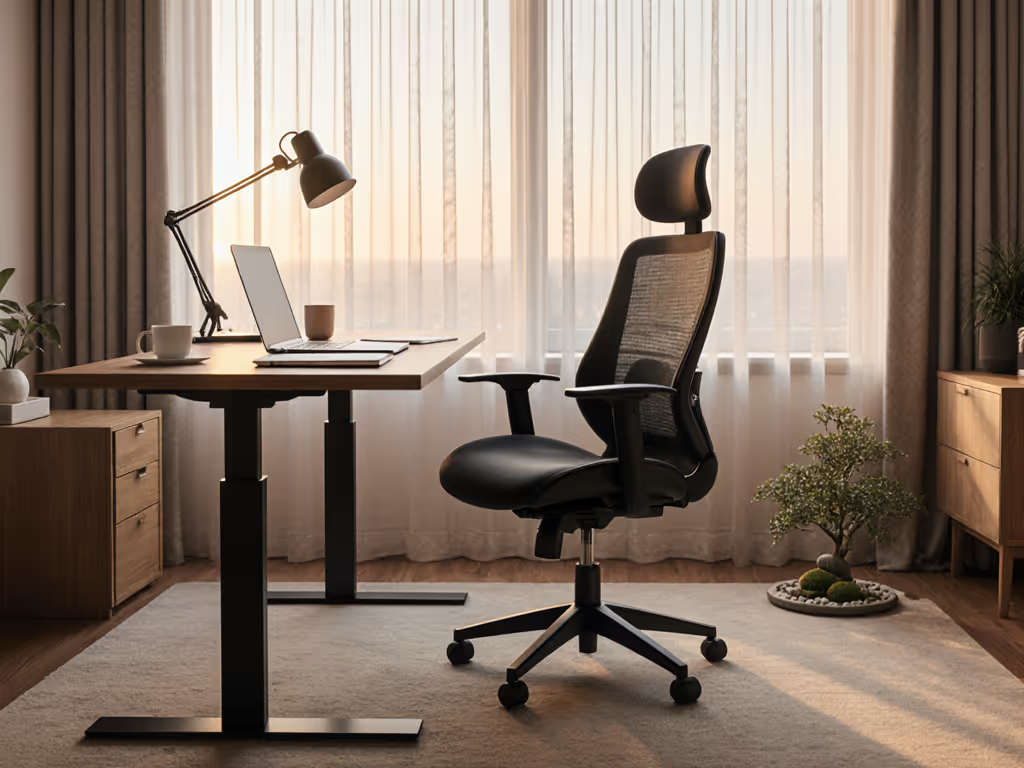
You can buy an excellent chair and still hurt if the rest of the system is mis-aligned. For a step-by-step checklist that ties chair, desk, and screens together, see our workstation setup guide. Think of your video content creation seating as one component in a closed loop with desk, monitor, and peripherals.
Follow this sequence (chair → desk → screen → peripherals):
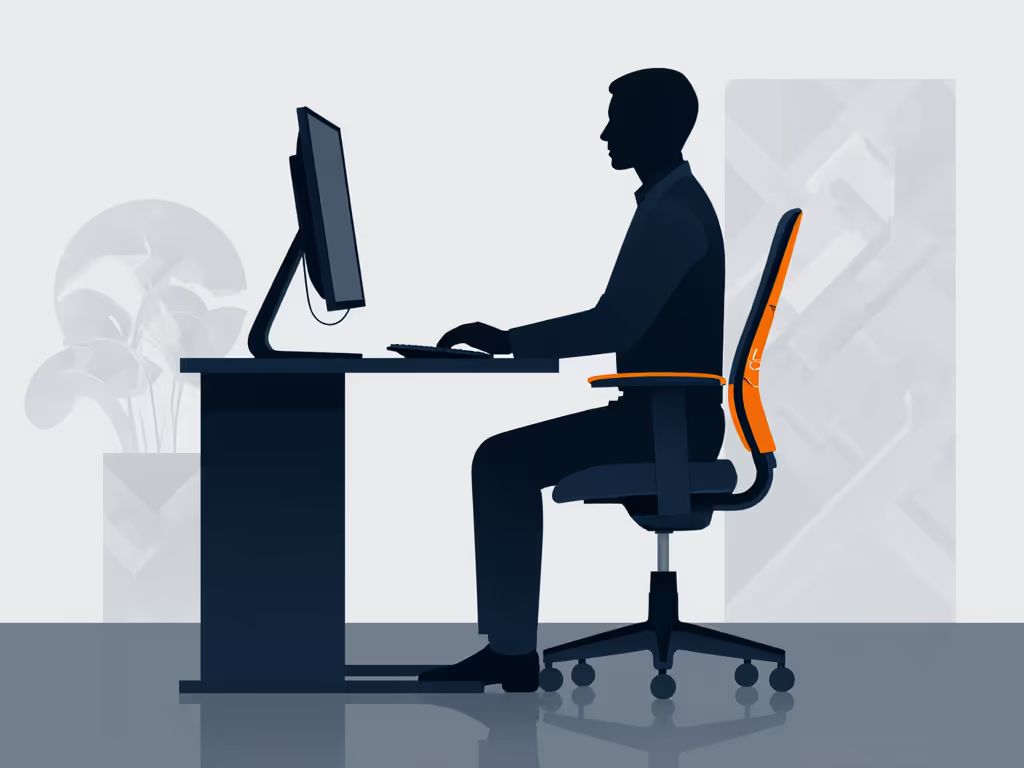
- Set chair height so your knees are near 90°, thighs level, and feet flat or supported.
- Set desk height so your elbows are at about 90° with forearms roughly parallel to the floor when resting on desk or armrests.
- Place the primary monitor directly in front of you, at about arm's length, with the top of the screen roughly at eye level to avoid neck flexion/extension strain.
- Arrange secondary monitors at similar height, angled slightly toward you to limit head rotation.
- Bring keyboard and mouse close, so your upper arms can hang comfortably and you are not reaching forward.
- For streamers, place your camera, mic, and stream deck so you can operate them without leaning or twisting, use booms and arms rather than moving your torso.
A good streaming setup seating solution is the one where you barely have to move your shoulders to operate your whole rig.
FAQ 6: How can I tell if a chair actually improves my comfort and performance?
Creators are data-minded; treat this like an A/B test.
For the first week with a new chair:
- Log sitting blocks: Note how long you can edit or stream before you feel noticeable discomfort.
- Track end-of-day energy on a 1-10 scale.
- Count focus disruptions: how often you stand up just to escape discomfort, not for breaks.
- Note hotspots: lower back, neck, shoulders, thighs, tailbone.
Contrast those metrics with your previous chair. Even without lab gear, you can see whether the new setup is extending work streaks and reducing "get me out of this chair" moments.
Ergonomic principles back this approach: reducing pressure on key joints and maintaining neutral posture is associated with lower discomfort and better sustained performance over long sessions.
If you feel better alignment but still get restless, experiment with:
- A looser tilt tension to allow micro-movement.
- Slight backrest recline for editing vs. upright lock for recording.
- Armrest tweaks in height and width to reduce shoulder load.
No ergonomic setup replaces the need to take regular micro-breaks. Standing, stretching, and moving every 30-60 minutes reduces stiffness and helps your body recover from static postures.
FAQ 7: What about heat buildup under lights and during long streams?
If you stream or record under strong lighting, you are effectively adding a small heat load on top of your baseline. Material choice becomes performance-critical:
- Mesh backrests promote airflow and reduce sweat buildup along the spine.
- Mesh or ventilated seats help if you sit for extended, uninterrupted stretches.
- Dense foams with non-breathable coverings trap heat; you may feel comfortable for the first hour, then gradually overheated.
If you are in a hot climate or have sweaty sessions, bias your choice toward breathable mesh or at least fabric with some air permeability. You can supplement with a small fan aimed near (but not directly at) your mic to manage temperature without adding noise.
FAQ 8: I'm petite, tall, or higher-weight. What should I prioritize in a content creator ergonomic chair?
A one-size-fits-all spec rarely works for fit extremes. Here is where to focus by category.
Petite creators (≈5'4" and under)
- Low minimum seat height so your feet reach the floor comfortably or work with a low footrest.
- Shorter seat depth or deep adjustability to avoid the front edge pressing into your calves.
- Armrests that adjust low enough to meet your elbow height without lifting your shoulders.
If a chair's minimum height or shortest seat depth is still above your measurements, plan to add accessories (footrest, lumbar cushion) or look for petite-oriented models. For model recommendations and setup metrics, see our petite ergonomic chair guide.
Tall creators (≈6'2" and above)
- High maximum seat height to keep your knees close to 90°.
- Longer seat depth or strong depth adjustment so you are supported along most of your thighs without cutting into the back of your knees.
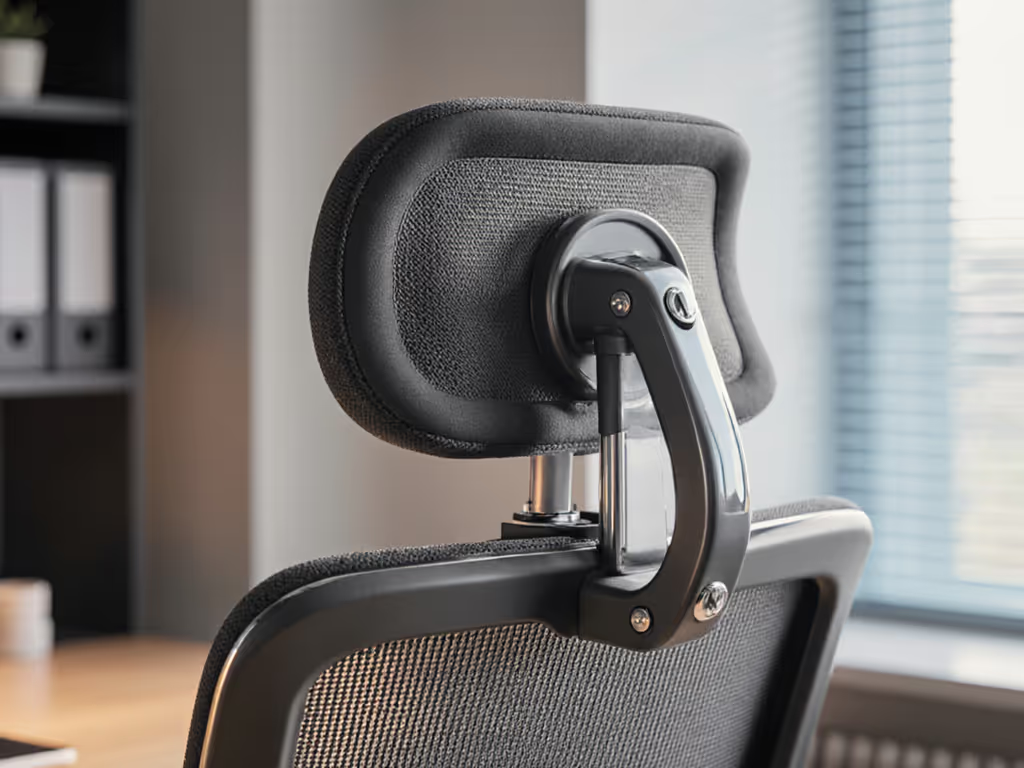
- Tall backrests or adjustable headrests for better upper-back and neck support.
Higher-weight users
- Check rated weight capacity and look for robust bases and cylinder specs.
- Prefer firmer foam or supportive mesh that will not bottom out quickly.
- Ensure armrests and mechanisms feel solid with minimal wobble; stability becomes more critical as loads increase.
Across all groups, the principle remains: fit before brand. A less famous chair that matches your measurements will serve you better than a prestige name that does not.
FAQ 9: How much should a creator invest, and how do I think about total cost of ownership?
Think in terms of hours of use, not sticker price.
If you sit in the chair 6 hours per day, 5 days per week, that is over 1,500 hours per year. Even a moderately priced, well-built chair used for 5-7 years costs pennies per hour.
When evaluating cost:
- Consider durability and warranty: longer warranties and the ability to replace parts (arm pads, cylinders, casters) extend useful life and reduce waste.
- Factor in comfort-related productivity: less pain and fewer forced breaks translate into more consistent streaming schedules and editing throughput.
- Include compatibility costs: if a chair forces you to buy a new desk or many accessories just to achieve neutral posture, its real cost is higher.
For team buyers (small studios, agencies), a standard spec that fits 5th-95th percentile users with adjustable features can reduce discomfort complaints and potentially lower injury risk. Over time, that can matter more than the initial line item.
Next steps: how to keep improving your creator seating setup
Treat your content creator ergonomic chair as a tunable system, not a fixed object. Every time you introduce a new device, a larger monitor, boom arm, mixer, or drawing tablet, re-check your chair height, armrest position, and monitor alignment.
Start with the essentials you can control today:
- Measure your body and compare against your current chair's actual usable ranges.
- Adjust chair, desk, monitor, and peripherals in the sequence outlined above.
- Track one week of comfort and focus metrics; then tweak tilt, armrests, and posture cues.
Over time, you will build a workspace where streaming setup seating solutions are no longer a guessing game but a measurable, improvable part of your creative pipeline. In other words: measure the chair, then measure the change in your day.
Related Articles