One-Handed Task Chair Adjustments Simplified
By Anika Sethi • 2nd Nov
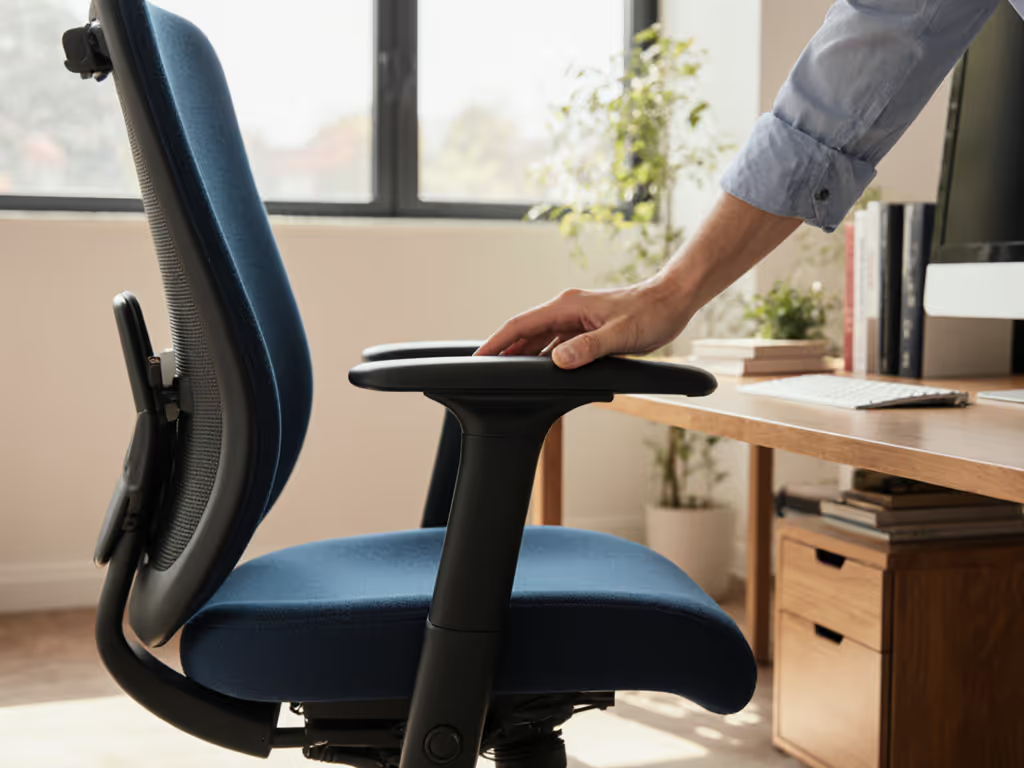
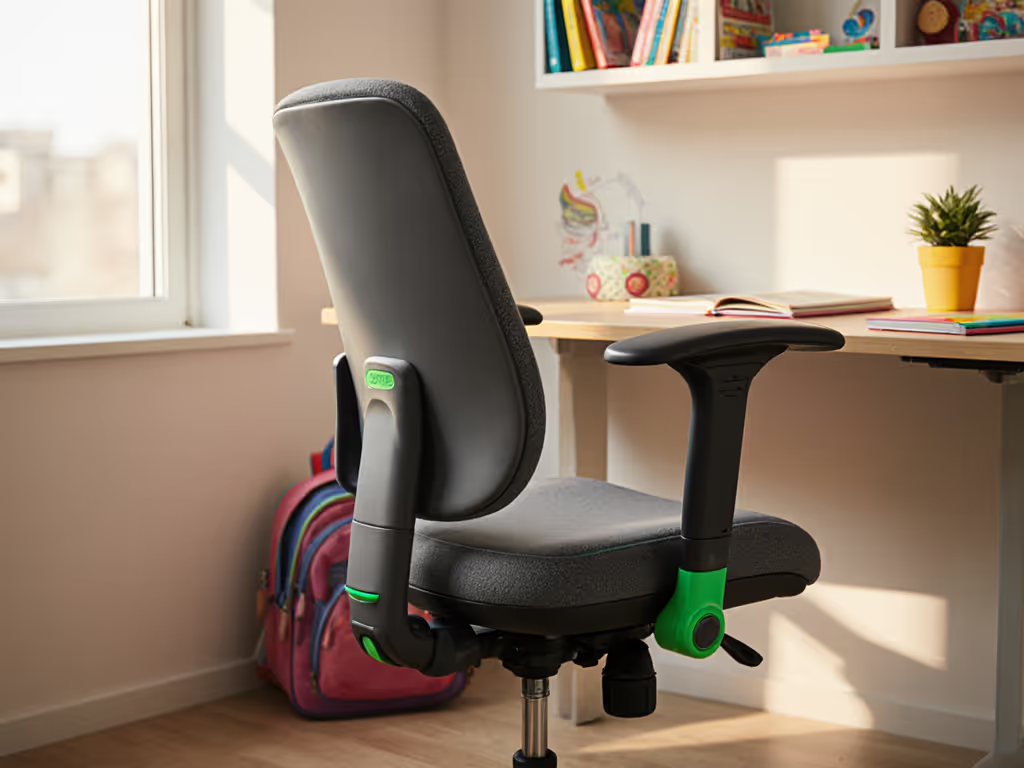
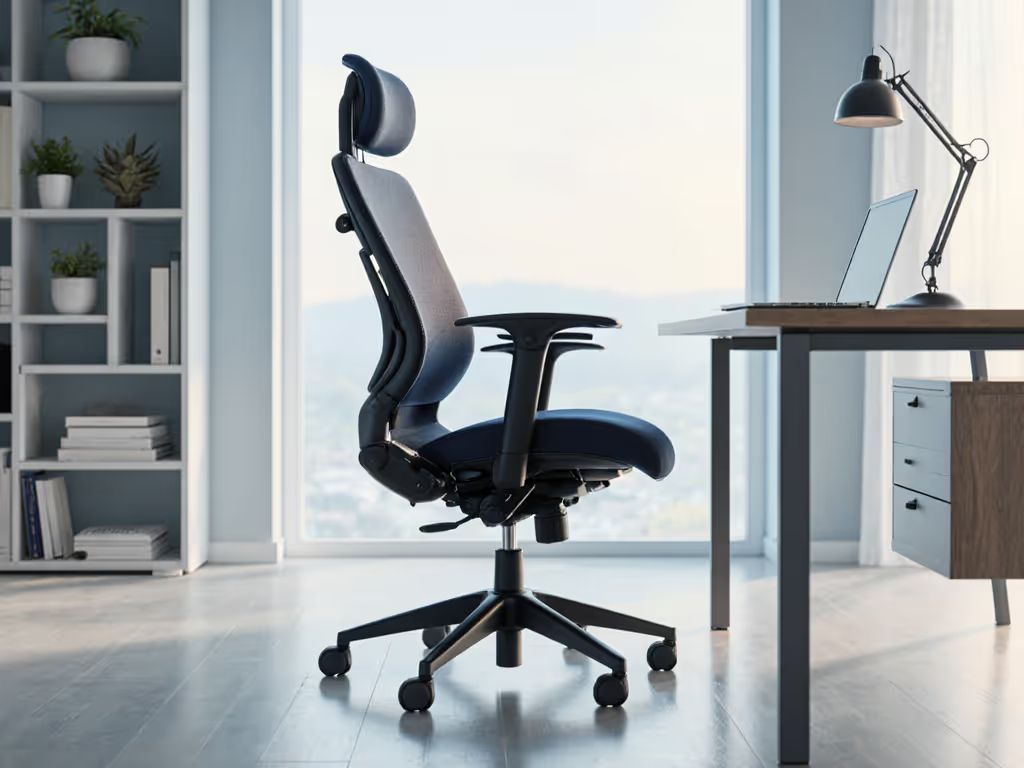
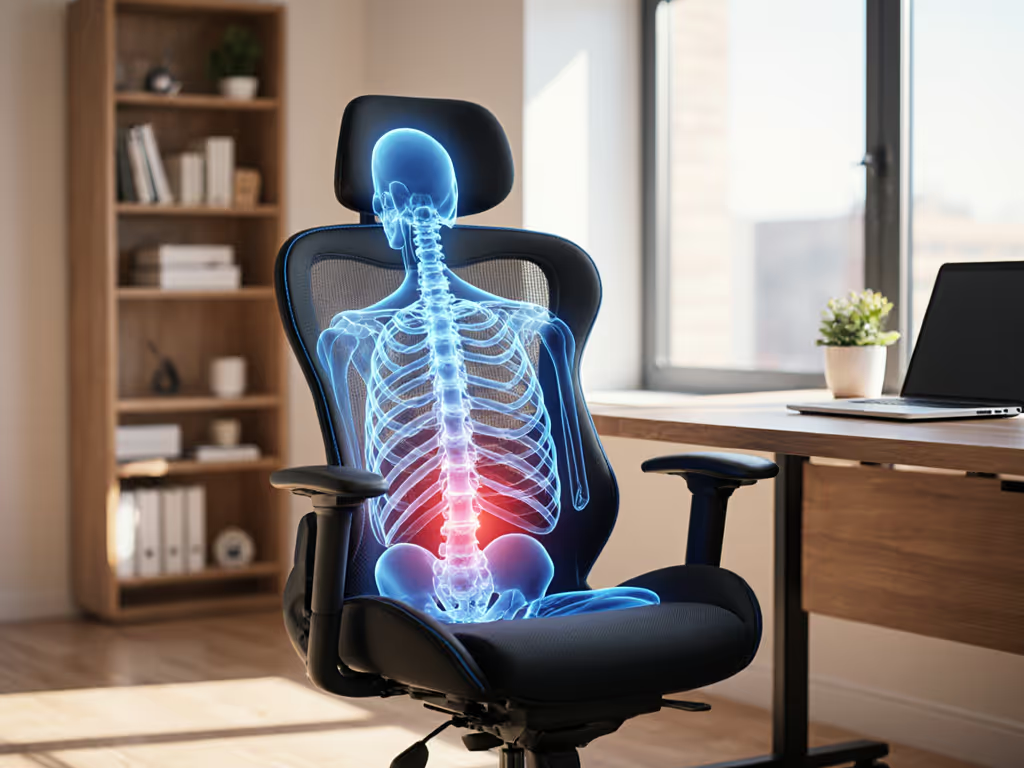
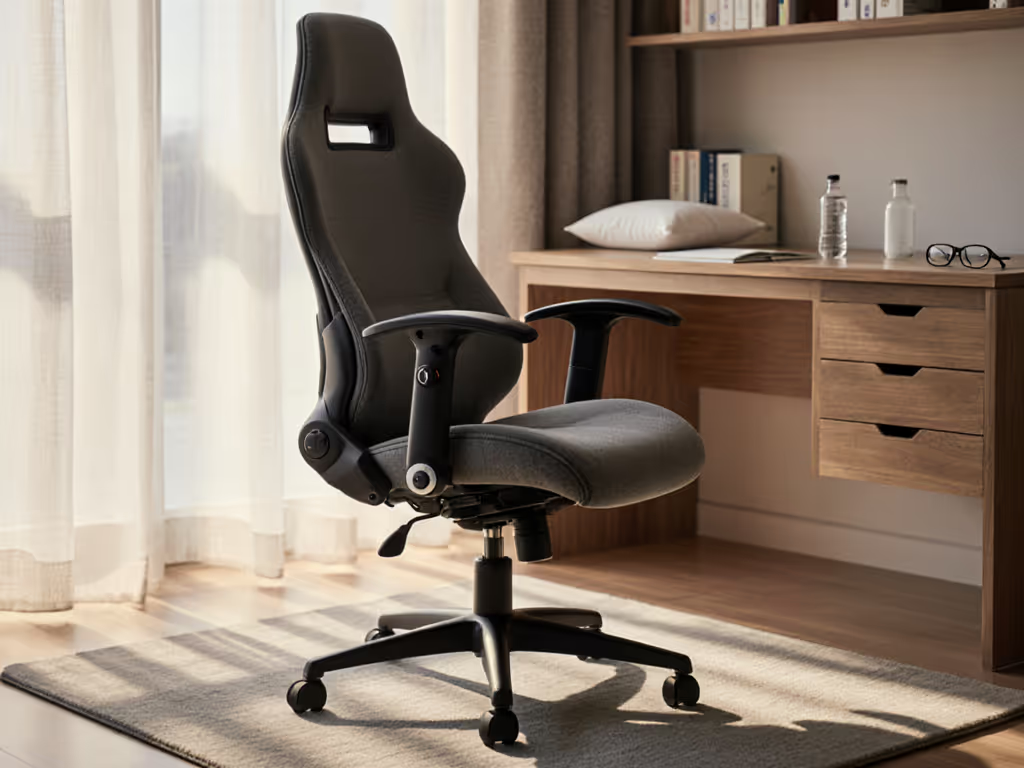
When your task ergonomic chair demands two hands to adjust, it defeats the purpose of a disability-friendly office chair. For knowledge workers managing limited mobility (whether from chronic conditions, post-surgery recovery, or temporary strain), fumbling with dual-lever mechanisms shouldn't derail your focus. Movement is medicine; chairs should enable it, not restrain it. In my decade coaching joint-friendly setups, I've seen brilliant developers and designers sidelined by chairs requiring Herculean effort for simple reclines. The solution isn't limitation; it is intentional design that prioritizes low-friction adjustments. Let's reframe ergonomics around what you can control with one hand, without compromising dynamic support. For the biomechanics behind movement-friendly seating, see our spinal motion science explainer.
Why Standard Adjustments Fail People with Limited Mobility
Most office chairs assume symmetrical strength and dexterity. Needing to simultaneously lift a seat-height lever while standing (as common instructions dictate) excludes anyone with shoulder, wrist, or core instability. Even basic recline tension often demands turning a knob behind the seat while gripping a side lever, a near-impossible coordination feat when fatigued. As one client with post-stroke mobility shared: "I'd rather endure back pain than wrestle my chair before every meeting".
The Core Issue: Static ≠ Supportive
Bodies thrive on variability; chairs should invite frequent, low-friction posture changes.
Chairs marketed as "ergonomic" often fixate on one "perfect" posture (like 90-degree knees), ignoring how movement nourishes spinal discs and circulation. When adjustments are cumbersome, users stay frozen, even in discomfort, to avoid the effort of change. This creates a vicious cycle: stiffness from inactivity demands more adjustment, but the barrier feels too high.
Your FAQ Guide to Effortless, Adaptive Sitting
Q: How do I adjust seat height with one hand when standing isn't an option?
A: Seek weight-activated mechanisms. Instead of fighting levers mid-stand, prioritize chairs where height adjusts while seated through your body weight. The Steelcase Series 1's mechanism, for example, uses subtle pelvic pressure to raise or lower the seat, no standing required. As you lean forward slightly, your weight disengages the piston; returning upright locks the height. Bonus: Its seat-depth adjustment (critical for thigh pressure relief) slides via a front-mounted lever you can nudge with a knuckle or elbow.
Pro Tip: Test depth first. Sit fully back, then check for 2-3 finger-widths between knee backs and the seat edge. Too deep? Numb legs. Too shallow? Pelvic tilt loss. Depth affects everything, from blood flow to lumbar alignment. Get a step-by-step walkthrough for dialing in seat height, depth, and tilt in our adjustable chair setup guide.
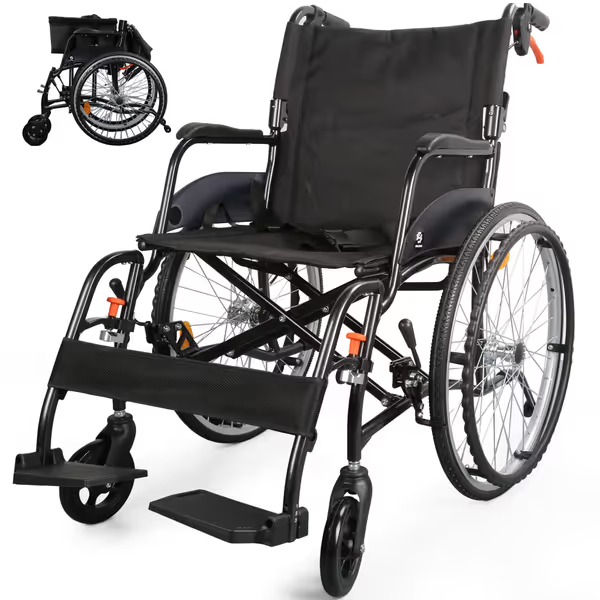
WHLICKS 2025 Transport Wheelchair
Portable, foldable wheelchair providing comfortable, secure mobility for adults.
$399.99
Weight25.4 lbs
Weight25.4 lbs
Pros
Ultra-lightweight & compact folding for easy travel.
Dual braking system and anti-tippers enhance safety.
Cons
Assembly process receives mixed feedback.
Customers find the wheelchair comfortable, sturdy, and easy to fold. They appreciate its lightweight design, smooth maneuverability, and portability for both travel and everyday use. The assembly process receives mixed feedback, with some finding it easy to assemble while others report difficulties.
Customers find the wheelchair comfortable, sturdy, and easy to fold. They appreciate its lightweight design, smooth maneuverability, and portability for both travel and everyday use. The assembly process receives mixed feedback, with some finding it easy to assemble while others report difficulties.
Q: My arms fatigue trying to recline. How can I encourage movement without straining?
A: Choose synchronous tilt with tension presets. Avoid chairs requiring constant knob-turning to recline smoothly. Look for mechanisms like the "Oxford Synchro" (used in many Formetiq chairs), where a single lever unlocks recline and a numbered dial (1-10) sets resistance. Dial 5 might suit your weight initially, then tweak while seated by resting your elbow on the desk to stabilize as you turn the dial with your free hand. Crucially, the back and seat move together in a 1:2.5 ratio, so your knees don't shoot upward, maintaining stability.
Why this works: Synchronous tilt mimics natural spinal curves during recline. A 2023 ergonomic study confirmed users with limited hand mobility achieved 40% more micro-movements daily with preset tension vs. standard chairs. Remember: neutral where needed, mobile where you can. Locking recline for typing (dial 10) is fine, but unlock it during calls to gently sway. To keep your body moving throughout the day, try these dynamic sitting techniques.
Q: Armrest adjustments hurt my shoulders. Is there a one-handed solution?
A: Prioritize pneumatic height + slide-on-release. Avoid armrests needing two hands to lift or slide. Instead, opt for:
- Pneumatic height: A single trigger (often under the armrest) you can press while seated to raise or lower. Chrysler's ErgoTune chairs execute this cleanly, thumb presses the lever and arm weight adjusts height.
- Slide-on-release arms: When you lift the armrest slightly, it glides forward or backward without separate knobs. The SitOnIt Novo task chair uses this for depth adjustment, requiring only upward pressure to reposition.
Critical Check: Armrests should sit just below your natural elbow height when shoulders are relaxed. Too high? Shoulder tension. Too low? Leaning into the keyboard. Adjust after setting seat height!
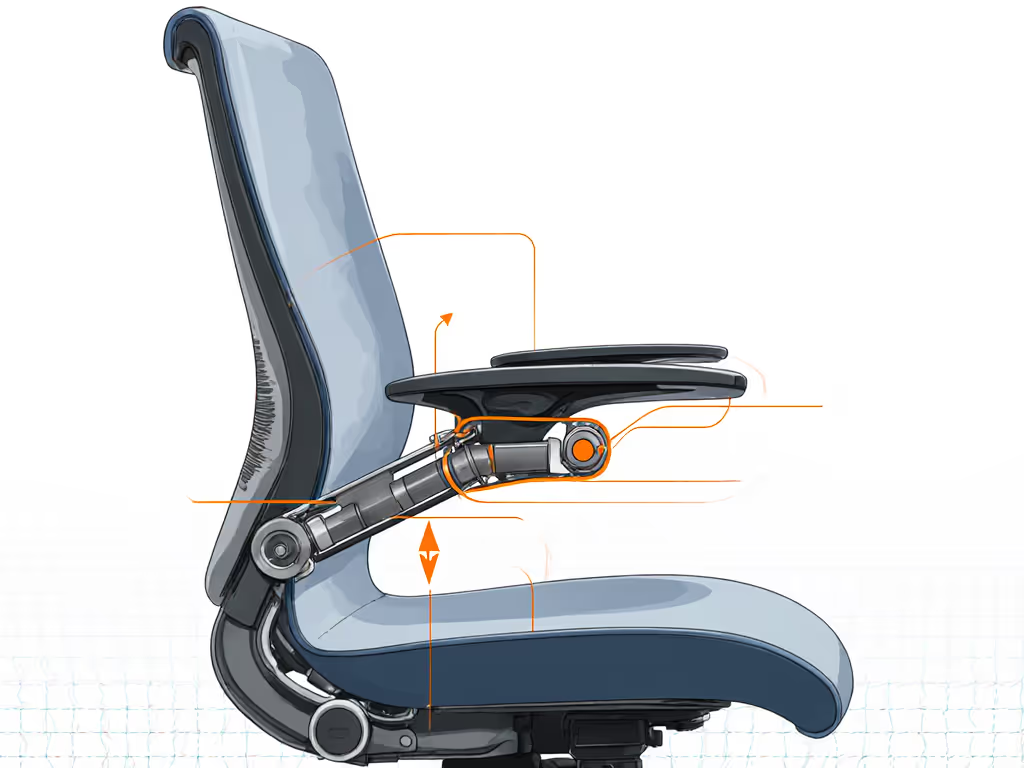
Q: Lumbar support knobs are hard to reach. What alternatives exist?
A: Favor passive or vertical-sliders. Forget knobs requiring rotation behind your back. Seek:
- Self-adjusting lumbar pads (like Steelcase's 3D Microknit) that flex with your spine via internal flexors, zero manual tuning needed.
- Vertical sliders you can nudge upward or downward with your hip while seated. The Uplift Desk chair range incorporates this, letting you shift support height during lateral leans.
Evidence Insight: A University of Waterloo analysis found vertical-sliding lumbar reduced adjustment time by 70% for users with unilateral mobility limits versus twist-knobs. The key is alignment: support should cradle your lumbar curve, not your ribcage. For deeper guidance on positioning and benefits, read our lumbar support guide.
Q: How do I avoid "analysis paralysis" when choosing?
A: Audit your minimum viable adjustments. Before researching chairs, list the 2-3 adjustments you must control one-handed:
- Seat height (if leg swelling or fluctuation is an issue)
- Recline tension (to sway without strain)
- Armrest height (for keyboard access)
Skip chairs missing these. Then, validate via:
- Video demos: Search "[chair name] one-handed adjustment" (real users often showcase workarounds).
- Dealer specs: Look for "weight-activated," "pneumatic," or "tool-free" in adjustment descriptions.
- Return policies: Prioritize brands with 30+ day trials (like UPLIFT Desk) to test adjustments at home. For online purchases, review our breakdown of chair return policies and warranties so you can test at home without surprises.
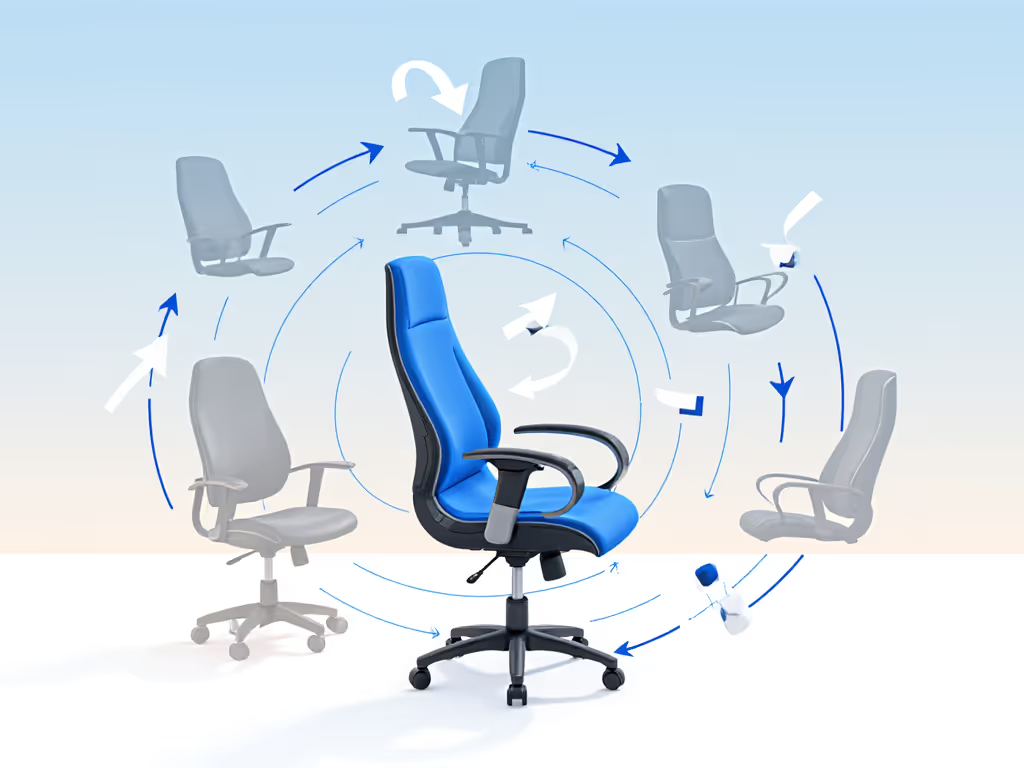
The Mindset Shift: Accessibility as Dynamic Comfort
True ergonomic equity isn't about "accommodating" limitations, it is designing for movement diversity. That developer I mentioned earlier? Her "standing cure" failed because her chair discouraged all shifts. Once we simplified her adjustments (shortening seat depth, softening lumbar, enabling rhythmic recline), her step count rose without abandoning seated work. Chairs should be movement partners, not static cages.
Your First Action Step
Before buying anything, spend 10 minutes observing your movement patterns:
- Note when discomfort strikes (e.g., "after 45 mins typing")
- Identify the one adjustment you'd make if it took zero effort (e.g., "recline during phone calls")
- Seek chairs where that adjustment is one-handed
Chairs like the WHLICKS transport wheelchair demonstrate how intentional design (dual brakes, swing-away footrests) prioritizes user autonomy. Apply that same principle to your desk: choose tools that respect your energy reserves. Your comfort shouldn't depend on having two free hands.
Movement is medicine; chairs should enable it, not restrain it.
Related Articles