
Task Ergonomic Chair for Wheelchair Workstation Integration
By Anika Sethi • 29th May
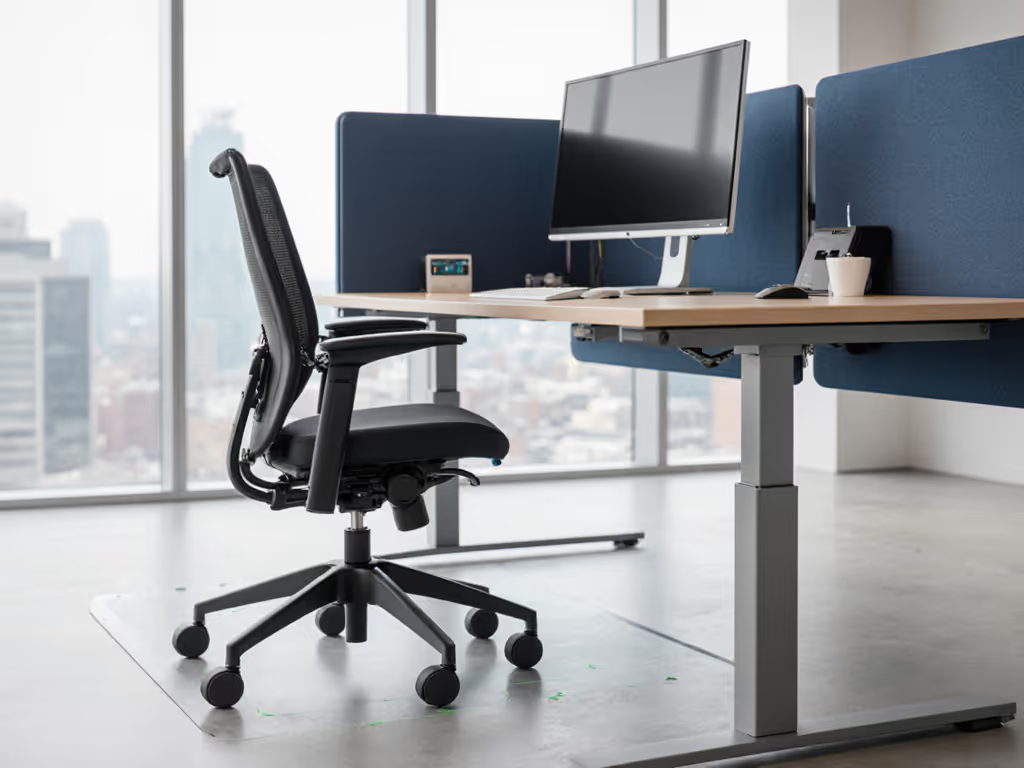
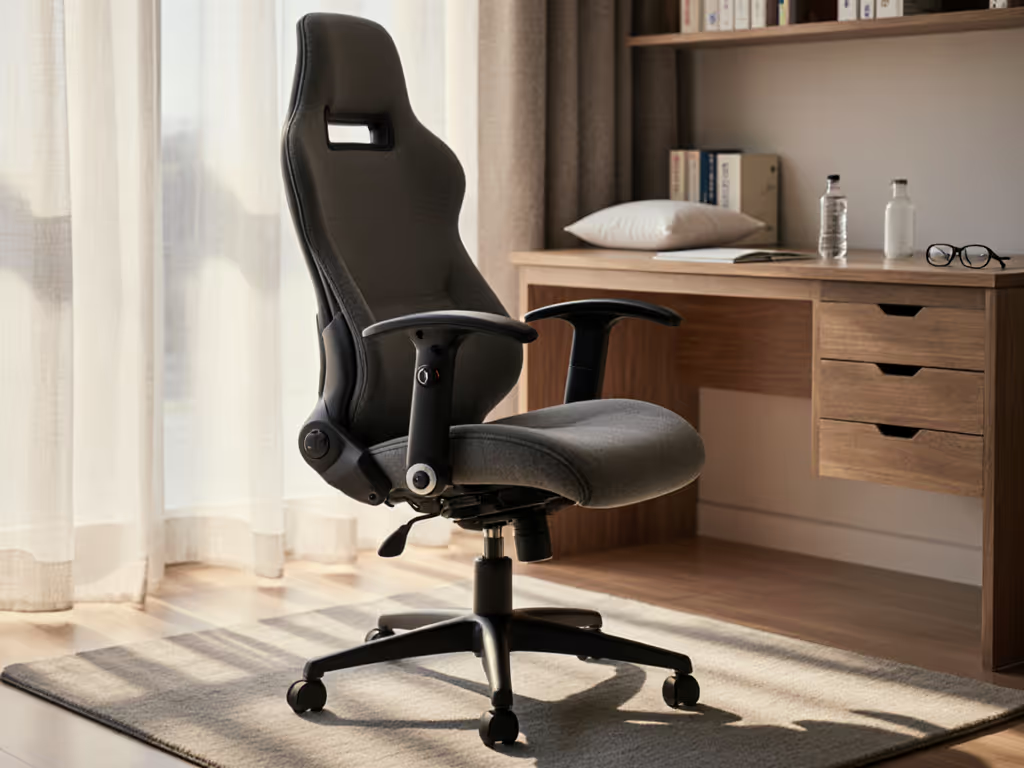
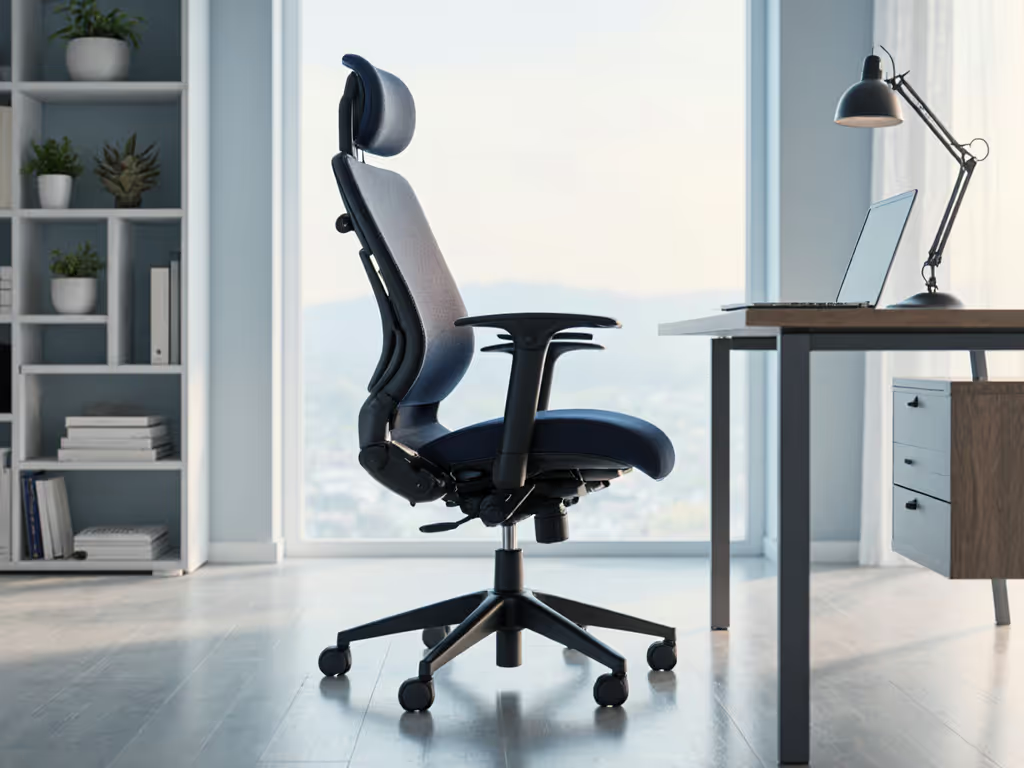
A task ergonomic chair can be an important companion to a wheelchair, offering an additional, adjustable seating option that supports joint health, movement variety, and inclusive work for mixed-mobility teams. When you plan wheelchair workstation integration carefully, you can meet accessibility requirements while also improving comfort, focus, and energy for wheelchair users, part-time chair users, and guests.
Movement is medicine; chairs should enable it, not restrain it.
Why pair a task ergonomic chair with a wheelchair workstation?
In an inclusive workspace, the question is rarely "wheelchair or chair?" but "How do we support the full range of seated tasks and bodies that will use this station?" A wheelchair may be the primary mobility device, yet:
- Some users prefer transferring to a fully adjustable desk chair for specific tasks (e.g., focused typing, video calls, prolonged reading).
- Others alternate between wheelchair and task chair across the day for pressure management and hip/spine comfort.
- Teams often share a workstation between a wheelchair user and non-wheelchair users.
Public ergonomics guidance consistently emphasizes fit, adjustability, mechanism quality, and task compatibility as the four pillars of effective seating.[3] A dedicated task ergonomic chair (set up to respect transfer paths, space clearances, and height ranges) lets you preserve these pillars for all users while keeping the workstation ADA compliant office seating ready.[3][4]
The goal is not to replace the wheelchair, but to add another stable, adjustable "position" into the user's movement toolkit.

FAQ Deep Dive: Task Ergonomic Chair for Wheelchair Workstation Integration
1. Who actually benefits from this kind of integrated setup?
A wheelchair-task chair integration is most useful when:
- A wheelchair user wants the option to transfer for certain tasks but not for the whole day.
- A workstation is shared between wheelchair users and non-wheelchair users across shifts.
- A team wants a single, inclusive workspace design that supports visitors, clinicians, colleagues, or clients who are not in wheelchairs.
In all these cases, the task ergonomic chair should be specified and positioned so it never obstructs rolling access, turning space, or clear floor area for the wheelchair.
2. How does an "integrated" workstation differ from a standard ergonomic setup?
A standard ergonomic station is optimized around one primary chair. By contrast, a wheelchair-integrated station has to work in at least two modes:
- Wheelchair-at-desk mode: the wheelchair rolls under or up to the work surface with appropriate knee and toe clearance.
- Task-chair mode: the user transfers (if desired) to a fully adjustable desk chair, which is then positioned correctly relative to the desk, keyboard, and displays.
This dual-mode design shifts some priorities:
- Clear floor space becomes non-negotiable. The task chair must park in a consistent, out-of-the-way location that preserves wheelchair approach paths.
- Desk height adjustability matters more than normal, so you can match both wheelchair seat height and task chair seat height without forcing compensations at the shoulders or wrists.[3][6]
- Armrest geometry on the task chair must support both ergonomic typing and safe transfers.
Where typical ergonomic advice focuses mostly on one user/chair pair, integrated design treats seating as one component of a whole movement system.
3. What features should a task ergonomic chair have in this context?
For wheelchair workstation integration, I look for the same evidence-based features recommended for diverse seated populations, then layer on transfer and access requirements.[3][4][7]
Key chair features:
- Wide seat-height range, ideally at least 5 inches, to support both shorter and taller users.[4]
- Seat-depth adjustment (seat slider) so the user can maintain 2-4 cm (about 1-1.5 in) of space behind the knees, avoiding pressure on the calves.[1][6]
- Lumbar support with adjustable height and moderate contour, allowing the lower-back curve to sit in neutral even when the user reclines.[4][6]
- High-quality recline mechanism and tension control, so the backrest moves with the user and encourages frequent micro-movements instead of static sitting.[3][4]
- 4D armrests (height, width, depth, and pivot) to fine-tune forearm support during typing and to move out of the way during transfers.[4][5]
- Stable base and appropriate casters for the flooring type, minimizing unwanted rolling at the moment of transfer.[4][7]
Anthropometric research and ergonomic specifications emphasize that adjustable seat height, seat depth, back height, and arm spacing are critical to fitting a wide range of body sizes (often targeting 5th to 95th percentile users).[4][5] This is especially important for team buyers who need one chair model to work safely for multiple people.
4. How do ADA and accessibility considerations affect chair selection?
While ADA regulations focus more on clearance and reach ranges than on specific chair models, the chair you choose can either respect or undermine that compliance.
Key implications:
- The chair must not block wheelchair approach to the desk; there should be a predictable home position where the chair is stored when not in use.
- The base diameter and arm width should allow adequate space beside the chair for a wheelchair to align for transfer, without trapping the wheels.
- Height ranges on both the chair and desk must support neutral shoulder and wrist postures when a wheelchair is in use, not just when the task chair is used.[3][7]
In practice, "ADA compliant office seating" is less about a specific label and more about choosing chairs whose geometry and adjustability can coexist with accessible clearances, then documenting how they are to be positioned in daily use.
5. How do we support safe, joint-friendly transfers without turning this into a medical protocol?
For transfers, I stay firmly on the ergonomics side: configuring the environment, not prescribing transfer techniques.
Environmental supports you can control:
- Chair stability: choose a chair with a solid, low-friction base; consider positioning it against a wall or desk edge during transfer so it cannot roll backward.
- Armrest behavior: favor armrests that either:
- Adjust low enough to avoid clashing with the wheelchair armrest, or
- Slide back/pivot out of the way if the user transfers via a lateral slide.
- Seat height match: set a "transfer height preset" on the task chair that is as close as possible to the user's wheelchair seat height, minimizing vertical movement.
- Unobstructed surface: keep loose cushions, bags, and footrests out of the transfer path.
A useful mental diagram: imagine a top view with three rectangles: the wheelchair seat, the task chair seat, and the desk edge. Your goal is to align those rectangles so that the transfer doesn't require twisting or stepping over obstacles.
6. How should we balance movement and support for someone using both a wheelchair and a task chair?
Modern ergonomics guidance is clear that static sitting, even in a "perfect" posture, leads to discomfort and fatigue.[3][6] For day-to-day strategies that pair well with wheelchair and task-chair use, see our dynamic sitting techniques. For hybrid wheelchair/task-chair users, movement includes:
- Rolling the wheelchair closer or farther to change hip and knee angles.
- Transferring into the task chair for blocks of work that benefit from recline and arm support.
- Using the chair's recline, tilt, and arm adjustments to vary load across the spine, hips, and shoulders.[3][4]
This is where my own bias shows: I prioritize chairs whose backrest and seat move in a way that invites frequent, low effort posture changes. Subtle recline, responsive tension, and easy-to-reach levers make it easier to enable movement first rather than locking the body into one configuration.[3][4] If you're comparing recline systems, see our synchro-tilt mechanisms tested for help choosing a backrest motion that truly supports micro-movements.
I still think of a developer with hip tightness who improved simply by shortening seat depth, softening lumbar, and encouraging rhythmic recline across her day; the same philosophy applies here, just with an extra seat in the equation.
7. What measurements matter most when specifying a chair for a diverse team that includes wheelchair users?
Research on chair sizing and anthropometry shows you can derive functional dimensions (seat height, depth, width, and arm spacing) from user height ranges and key body measurements.[2][5][6] For inclusive adjustments across body sizes, explore our Body-Fit ergonomic chair tweaks.
For a team-friendly, wheelchair-integrated station, focus on:
- Seat height range: aim to cover roughly the 5th-95th percentile of your seated population; many experts recommend ranges like 16-21 in for smaller users and 17-22 in for taller users.[4]
- Seat depth adjustment: at least 2 in of forward/back travel allows both shorter and longer thighs to maintain clearance behind the knees.[1][4][6]
- Seat width and arm spacing: research suggests sizing these to accommodate hip breadth and elbow-to-elbow breadth of higher percentile users so larger bodies can still shift postures.[5][6]
- Back height and lumbar range: taller users may require higher backs (55 cm or more) to support the shoulder blades and upper thoracic region.[2][6]
Measuring staff ahead of time, especially popliteal height (floor to back of knee) and buttock-to-knee length, helps you match chair specs to real bodies instead of guessing.[2][6]

8. How do we integrate the chair with the rest of the workstation (desk, devices, accessories)?
For wheelchair and task-chair users alike, the chair only works if the desk and input devices are aligned to it.[3][7] For a complete, step-by-step walkthrough, use our ergonomic workstation setup guide.
Checklist for integration:
- Desk height: match to elbow height in both wheelchair and task-chair modes so shoulders stay relaxed and wrists neutral.[3][6]
- Keyboard and pointing devices: ensure the armrests (or lap in a wheelchair) allow the forearms to stay roughly parallel to the floor; avoid setups where one mode forces high shoulder elevation.
- Foot support: wheelchair footrests should not clash with desk legs; task chair users should have feet flat or supported on a footrest when the seat is raised.[7]
- Monitor positioning: vertical and horizontal monitor adjustments should work in both seating modes without requiring extreme neck flexion or extension.
When those elements are tuned once, document two or three "standard positions" (e.g., "wheelchair focus work," "task-chair deep work," "task-chair recline calls") so users can return to them reliably.
9. How can small teams avoid overbuying while still being inclusive?
From a cost and sustainability perspective, a good strategy is to:
- Standardize on one or two high-adjustability chairs that can serve 5th-95th percentile users, as recommended in inclusive seating guidance.[4][5]
- Verify durability and weight ratings, ideally with a buffer of 15-20% above the heaviest expected user to account for dynamic loads.[2][6]
- Plan the layout, not just the chair: investing in a height-adjustable desk and clear transfer space often yields more comfort per dollar than adding exotic chair features.[3][6]
This approach supports wheelchair users, taller and shorter staff, and higher-weight users with minimal duplication of equipment while still honoring accessibility.
Further questions to explore with your team
If you are configuring a wheelchair-integrated workstation, consider exploring these questions in your next planning session:
- In which tasks does the wheelchair already work beautifully, and where might a task ergonomic chair add value?
- Are approach paths, transfer space, and desk height ranges documented (not just improvised each day)?
- Do seat-height, seat-depth, and armrest ranges genuinely fit the people using this station, based on their measurements rather than an "average" user profile?[3][4][5]
Most importantly, treat the setup as a living system. Observe how people actually move, tweak one variable at a time, and revisit the configuration periodically. Over time, you will converge on a wheelchair workstation integration that feels natural, supports varied bodies and tasks, and quietly encourages the micro-movements that keep work sustainable.
Related Articles