Medical-Grade Ergonomic Chairs: Arthritis to Scoliosis Guide
By Anika Sethi • 13th Nov
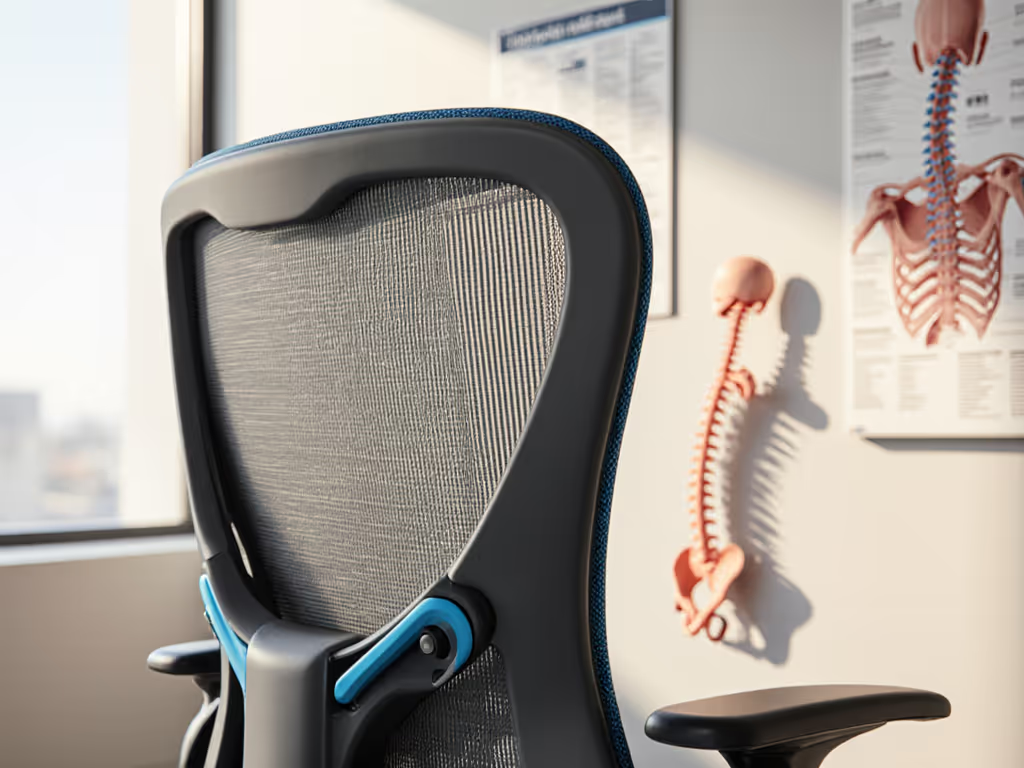
When selecting ergonomic chair solutions for specific health challenges, the most critical factor isn't finding a chair that "fixes" your condition, it's identifying models that work with your body's natural movement patterns. Medical condition office chairs must prioritize variability over rigid support, acknowledging that sustained static postures frequently exacerbate discomfort for those managing arthritis, scoliosis, or disc herniation. As someone who has translated biomechanics research into practical workstation adjustments for over a decade, I've observed that chairs enabling gentle transitions between positions consistently deliver better outcomes than those enforcing a single "perfect" posture.
Movement is medicine; chairs should enable it, not restrain it.
Understanding Medical-Grade Ergonomic Needs: Beyond Standard Office Chairs
Traditional office seating assumes a standard body morphology and movement pattern. For individuals managing medical conditions like arthritis, scoliosis, or disc herniation, this one-size-fits-all approach often creates cumulative strain. Research confirms that joint-friendly setups require three non-negotiable elements: appropriate seat geometry that matches individual proportions, backrest systems that move with the spine rather than against it, and mechanisms that require minimal force to adjust position.
A 2020 study published in the Journal of Applied Ergonomics demonstrated that ergonomic interventions reducing movement friction correlated with 32% less reported discomfort among office workers with chronic conditions, significantly higher than interventions focused solely on "correct" posture. This aligns with the principle that bodies thrive on micro-movements throughout the day, not perfect stillness. For a deeper look at why movement-first seating works, see the science behind dynamic spinal support.
Your Step-by-Step Assessment Guide: Matching Chair Features to Your Condition
Step 1: Identify Your Movement Limitations and Pain Triggers
Begin not with chair features but with your own movement patterns. For arthritis sufferers, note when stiffness occurs (morning vs. afternoon) and which movements are restricted. For scoliosis, identify pressure points when sitting upright versus reclined. For disc herniation, track when pain radiates and during which movements.
Gentle but precise documentation creates your personal movement map: Keep a simple log for 2-3 workdays noting:
- Times when discomfort begins
- Positions that relieve pressure
- Movement transitions that feel restricted
- Duration of comfortable sitting before needing to shift
This approach moves beyond generic "best chairs for arthritis" recommendations to personalized solutions based on your specific movement patterns.
Step 2: Measure Your Critical Dimensions
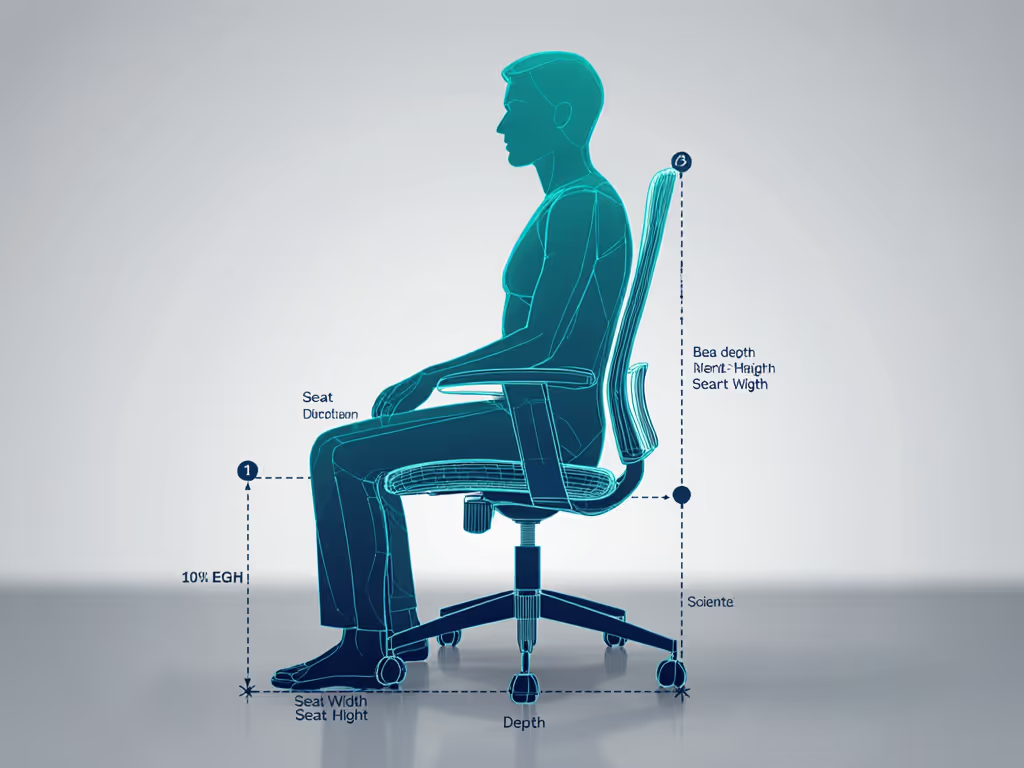
Standard chair dimensions fail users at the extremes of height, weight, or torso proportions. For medical conditions, precise measurements are essential:
| Measurement | Arthritis Focus | Scoliosis Focus | Disc Herniation Focus |
|---|---|---|---|
| Seat Depth | Critical for knee clearance without pressure behind knees | Important for asymmetric weight distribution | Essential to prevent hamstring tension |
| Back Height | Should support cervical spine if neck mobility is limited | Must accommodate spinal curvature variations | Needs to support natural lumbar curve |
| Seat Width | Allows shifting without friction against joints | Accommodates uneven hip alignment | Provides space for pressure redistribution |
Verification tip: When seated, your knees should form a 90-110° angle with 1-2 inches between the back of your knees and the seat edge. If you consistently slide forward to relieve pressure, your seat depth is too long, a common issue for those with disc concerns.
Step 3: Evaluate the Chair's Movement Friction
This is where most "ergonomic" chairs fail users with medical conditions. True medical-grade seating minimizes the energy required to shift positions. Test these elements:
- Recline tension mechanism: Can you recline using only spinal movement without pushing with your legs? Those with arthritis or disc issues need near-weightless transitions.
- Lumbar responsiveness: Does lumbar support move with you when you rotate slightly or shift forward? Fixed lumbar points often create pressure points for scoliosis sufferers.
- Seat pan flexibility: Rigid seats concentrate pressure on sit bones; medical-grade chairs should have slight give to accommodate shifting weight distribution.
I once worked with a developer whose hip tightness worsened with standing desks, her turning point came when we shortened seat depth, softened lumbar support, and enabled rhythmic recline. Within a week, her discomfort decreased while her natural movement increased. This pattern, prioritizing movement variability before rigid support, remains the foundation of my assessment process.
Step 4: Match Features to Specific Medical Needs
Arthritis-Friendly Solutions
For inflammatory or degenerative joint conditions, friction reduction is paramount. Look for:
- Seamless recline mechanisms that require minimal force to adjust
- Tool-free adjustments for users with limited hand mobility
- Breathable materials to prevent heat buildup that exacerbates inflammation
- Waterfall seat edges with generous clearance behind knees
If hand mobility is a concern, explore our guide to one-handed chair adjustments for easier daily use. The COLAMY ergonomic chair demonstrates how thoughtful design accommodates arthritis needs. Its sliding seat mechanism allows users to optimize thigh pressure distribution without standing up, while the 4D armrests provide multi-directional adjustment for those with wrist or elbow limitations. The chair's tilt tension adjustment enables micro-reclining with minimal effort, particularly valuable during morning stiffness periods.
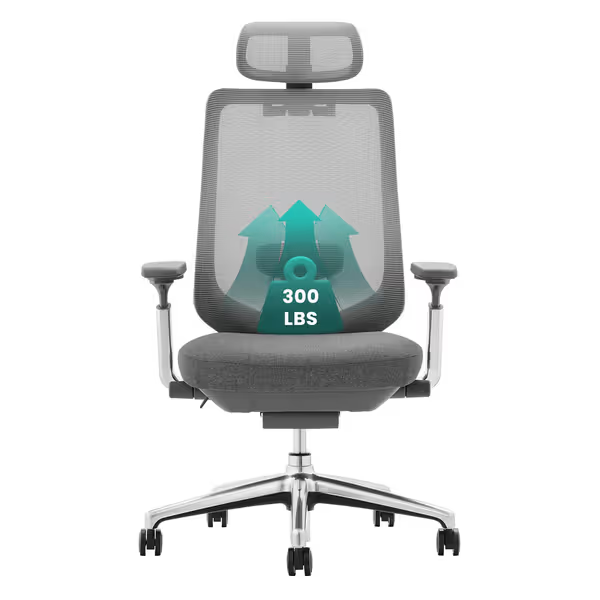
COLAMY Ergonomic Mesh Office Chair
Adaptive support and airflow for all-day comfort and healthy posture.
$279.99
Weight Capacity300 lbs (Class 4 Gas Cylinder)
Weight Capacity300 lbs (Class 4 Gas Cylinder)
Pros
Comprehensive adjustability: 4D arms, slide seat, adjustable lumbar/headrest.
Breathable Korean mesh ensures all-day comfort and spinal support.
Cons
Mixed reviews on tilt adjustment functionality.
Extremely comfortable with high-quality plastic construction, offering excellent lumbar support that assists with healthy sedentary posture. Good value for money and easy to assemble.
Extremely comfortable with high-quality plastic construction, offering excellent lumbar support that assists with healthy sedentary posture. Good value for money and easy to assemble.
Scoliosis Office Seating Strategies
Traditional symmetric chairs often create pressure points for those with spinal curvature variations. Effective scoliosis office seating requires:
- Asymmetric lumbar support that can be positioned to match individual spinal curves
- Adjustable seat depth to accommodate pelvic rotation
- Flexible backrest materials that conform to asymmetric spinal shapes
- Dynamic recline mechanisms that maintain support through varied positions
The Herman Miller Embody chair's BackFit adjustment system provides notable benefits for scoliosis management. Its spine-like central support system allows users to position the backrest alignment with their natural curve. The "pixelated support" technology distributes pressure evenly across asymmetric spinal shapes, while the automatic lumbar adjustment maintains support whether leaning forward for close work or reclined for meetings.
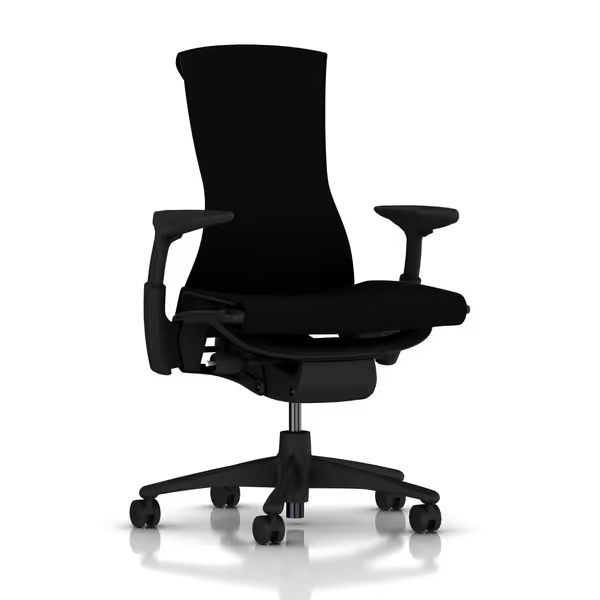
Herman Miller Embody Ergonomic Office Chair
Dynamic ergonomic support for pain-free, extended sitting.
$1849
Ergonomic Design20+ physicians and PhDs contributed expertise.
Ergonomic Design20+ physicians and PhDs contributed expertise.
Pros
Distributes pressure, promotes natural alignment.
Adapts to movement, maintaining constant support.
Cons
High price point.
I can work many hours without discomfort, providing complete pain relief.
I can work many hours without discomfort, providing complete pain relief.
Disc Herniation Chair Solutions
For disc-related conditions, the greatest risk comes from sustained pressure on affected areas. Disc herniation chair solutions prioritize:
- Active sitting mechanisms that encourage gentle rocking
- Precise seat depth adjustment to eliminate hamstring tension
- Responsive lumbar systems that maintain support during forward leans
- Pressure-relieving materials that minimize concentrated force on discs
When recommending chairs for disc concerns, I emphasize the "recline-to-relieve" principle. Even slight recline angles (100-105°) significantly reduce disc pressure compared to upright sitting. The key is finding chairs where recline requires minimal effort, since weak tension mechanisms force users to remain in painful positions.
Creating Your Dynamic Workstation: Movement Integration
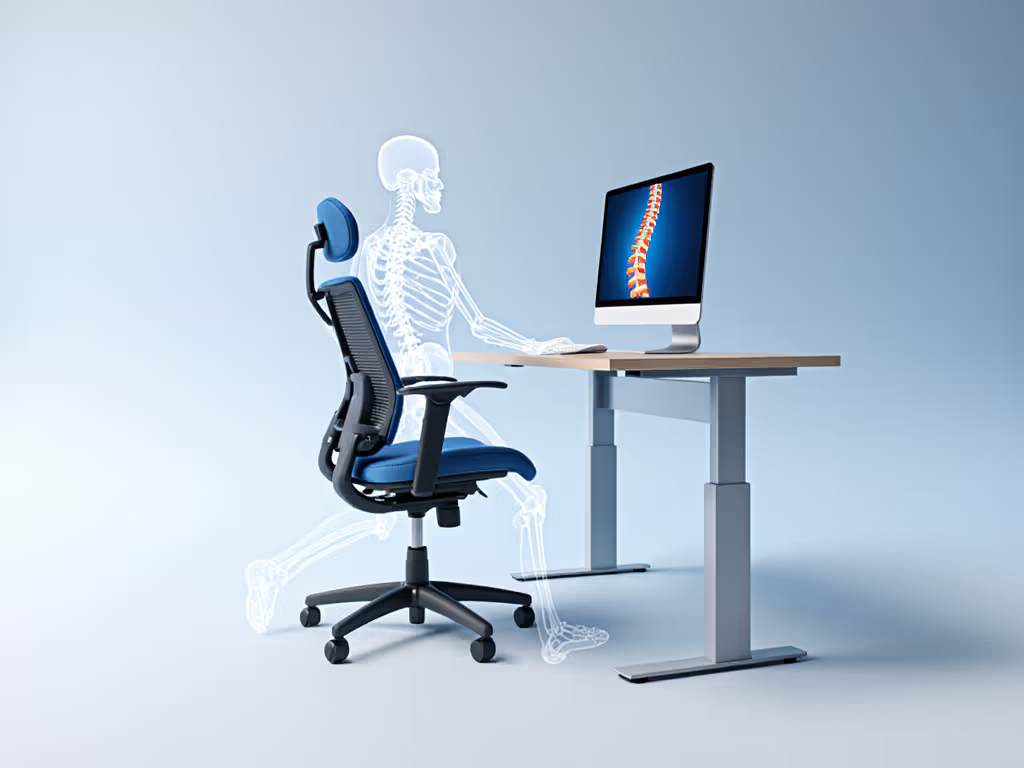
Medical-grade ergonomic success depends on how your chair integrates with your entire workspace. Consider these evidence-based adjustments:
- Pair your task ergonomic chair with a desk allowing seamless transitions between sitting and supported standing
- Position monitors at eye level to prevent forward head posture that exacerbates spinal conditions
- Place keyboard/mouse close enough to avoid shoulder elevation during typing
- Add a footrest if your feet don't rest flat, but ensure it allows gentle rocking
For users with arthritis, implement the 20-8-2 rule: every 20 minutes of sitting, take 8 seconds for a micro-movement (gentle recline, side stretch, or seated twist), followed by 2 minutes of standing or walking. Those with scoliosis benefit from asymmetric movement patterns, alternating which hip bears more weight during seated work. To keep your body active all day, try these dynamic sitting techniques that pair with medical-grade chairs.
Final Verification: Is Your Chair Truly Medical-Grade?
Before committing to any chair, complete this evidence-cited verification process:
- The Recline Test: Sit upright and recline using only your spine, no leg push. If impossible, reject the chair.
- The Forward Lean Test: Move slightly forward while maintaining contact with the backrest. Lumbar support should remain engaged.
- The 2-Hour Movement Test: Note how many natural position changes you make. Fewer than 15 in 2 hours indicates excessive movement friction.
- The Morning Assessment: After your first night sleeping post-chair setup, evaluate morning stiffness, improved movement indicates successful integration.
Remember that chairs alone don't solve movement challenges, they either enable or constrain your body's natural variability. The most effective medical-grade seating doesn't "correct" your posture but rather enable movement first, working with your unique physiology rather than against it.
Next Steps: Refining Your Personalized Solution
- Watch our video series demonstrating micro-movement routines tailored to arthritis, scoliosis, and disc conditions
- Consult with an occupational therapist specializing in workstation adaptation (many offer virtual consultations)
Your body's movement patterns are unique, your chair should honor that truth. When you prioritize variability over rigidity, you transform seating from a source of discomfort into an active participant in your wellness journey.
Related Articles